



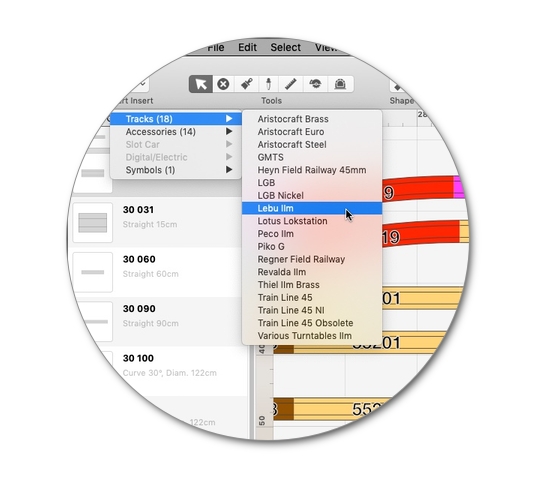
More than 290 libraries
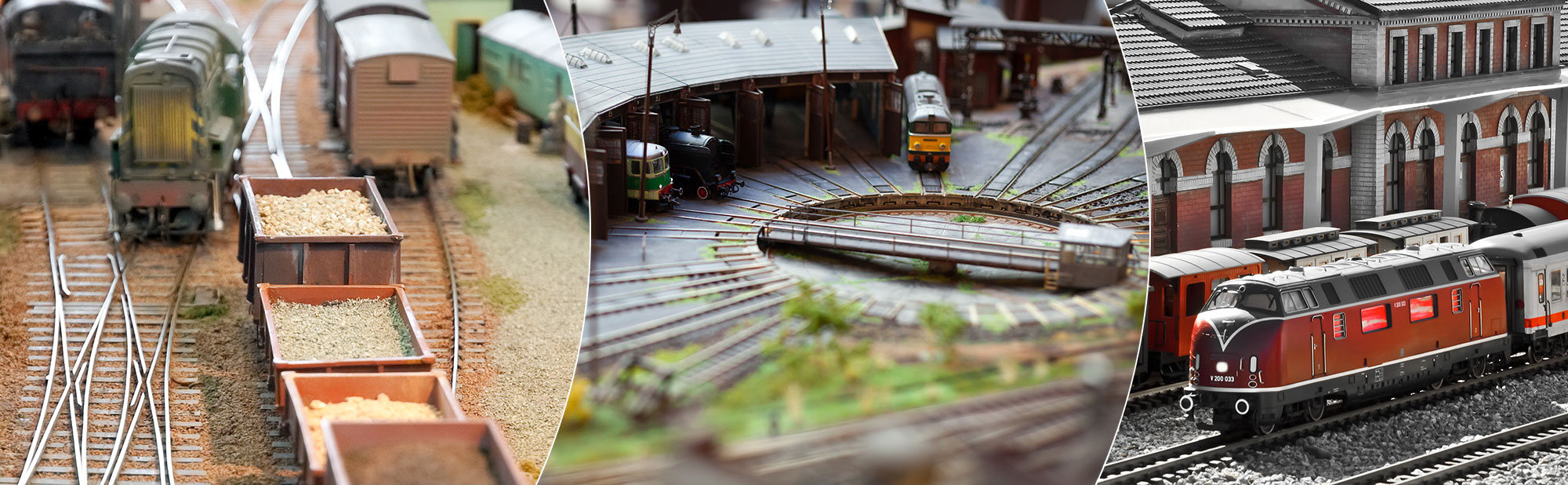
Begin your model railway planning right away with RailModeller Pro's extensive library of over 7000 elements, including track systems from popular model railroad brands. The library spans a wide range of model scales to suit all your modeling needs – from tiny T (1:450) and Z (1:220) to larger IIm/G (1:22.5) scales.
Additional libraries include scalable accessories like buildings, signals, trees & plants, electrical components, and symbols for all scales. Our app also includes a comprehensive collection of slot car systems as well as components for many digital systems (DCC).
Layers
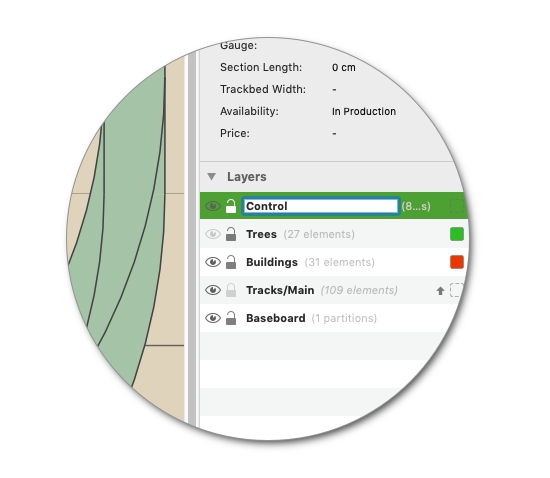
Organize your layout's content into layers in RailModeller Pro:
Up to 99 layers can be created to organize your layout elements!
Hiding or locking layers supports you when working with complex layouts. Simply reorder layers using drag & drop, assign descriptive names, duplicate layers - it couldn't be easier.
You can optionally specify a default color for new elements or a default height assigned to newly inserted track elements for each individual layer.
Assistants
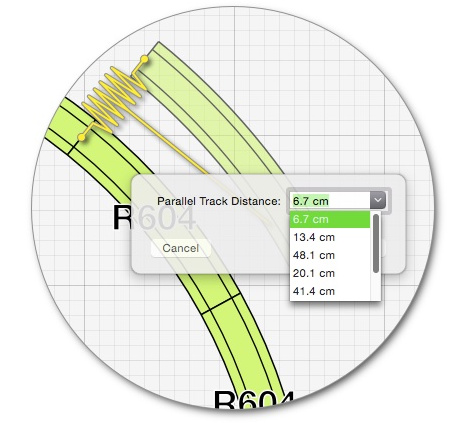
Built-in assistants provide advanced functionality like inserting parallel tracks,
closing gaps with sectional tracks or a fitting piece of flex track.
Even tasks like creating a track helix with dozens of tracks only take a few clicks.
These features are always just one click or keyboard shortcut away in the toolbar of the app!
Additional features help with optimizing the drawing canvas size, cleaning up the layout or auto-colorizing elements by article number, layer, vendor and more.
Grades and Levels
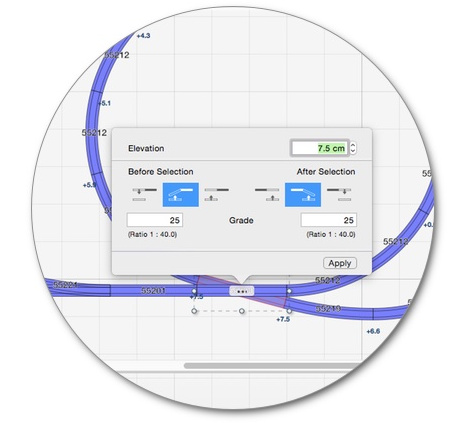
RailModeller Pro allows you to create complex model railroad layouts in three dimensions. Create grades up to a specified target point or simply by setting the start and end height for a specific track section, shift track sections up or down and use the layer defaults feature for automatically assigning default track heights to new tracks in a layer.
The optional 2.5D grade profile view of track elements provides an overview taking the hassle out of designing complex layouts with different height levels.
Shopping Lists
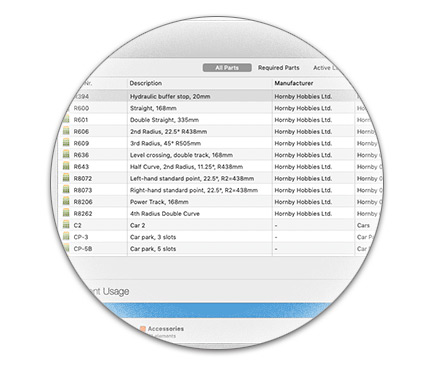
A part list is automatically maintained for every layout providing an overview of the tracks used and the overall costs. Element prices are editable in the part list and RailModeller Pro will maintain a price database making sure costs of elements once entered are applied across all your layouts.
Layout statistics provide a quick overview of the element types & libraries used.
Print in any scale
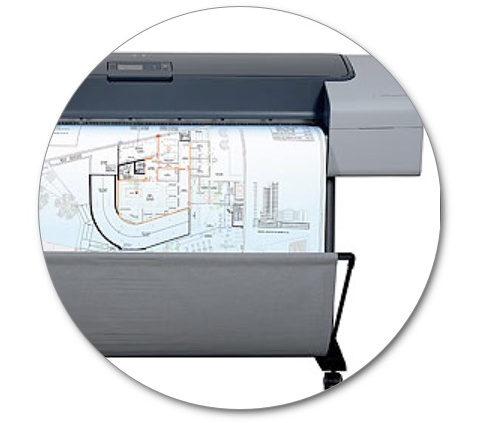
Layouts can be printed in arbitrary sizes starting from a plain overview on a single sheet of paper up to 1:1 scale printouts to provide a draft for building your model railroad empire.
Use the macOS Print to PDF feature to create PDF documents of arbitrary sizes that can be sent to your local print shop with specialized, large-scale printers.
For professional printing, our streamlined PDF export creates print-ready 1:1 scale documents in a single step.
Stock Management
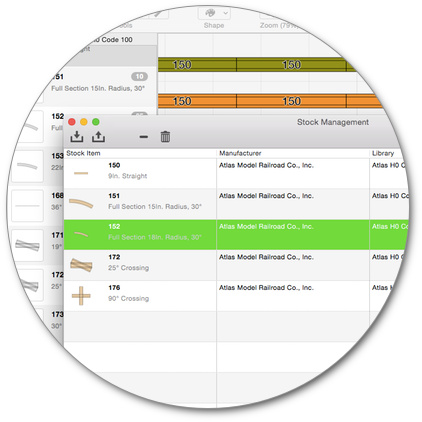
An inventory of tracks can be maintained to display the number of tracks remaining in stock when working on a specific layout or to filter the shopping list to show only tracks that need to be purchased to build the layout.
Inventory can be imported from a CSV file as well as exported to CSV for e.g. editing the stock with external applications such as Numbers, OpenOffice or Excel.
Baseboards
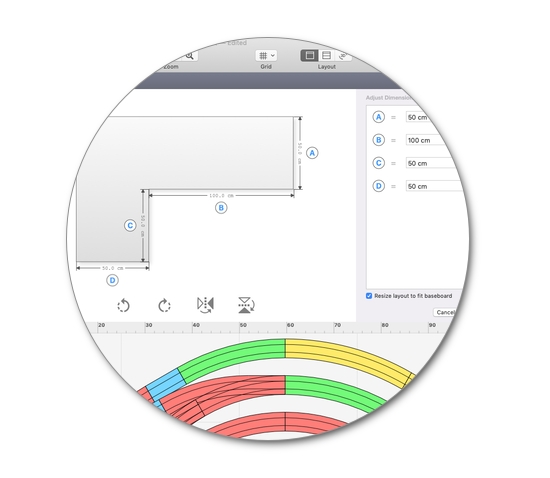
Baseboards indicate the general shape of the layout to be built - without getting in the way of your planning or even covering the grid. The baseboard assistant gets you started with commonly used layout shapes like L- or U-shapes and rectangles:
Select a general shape, customize dimensions to fit your requirements, and start planning with just a few clicks.
Dedicated baseboard tools give you full control to further customize baseboards and the way they are displayed to your exact specifications.
Community Layouts
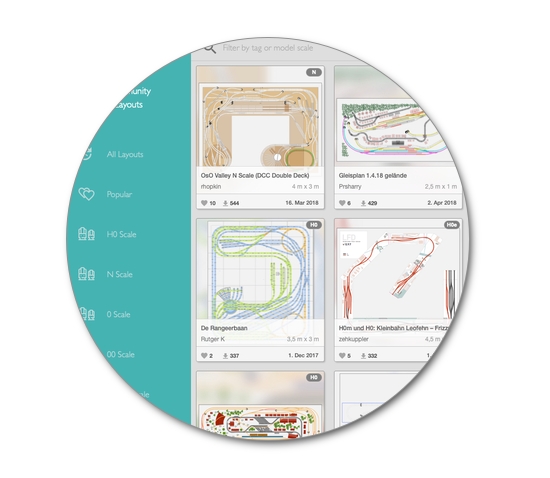
Browse layouts created and shared by users of the app and share your own layouts allowing the user community to enjoy and discuss your design. You can 'like' layouts you find particularly nice and help other users of the app to discover great layouts.
With hundreds of layouts shared already the app makes it easy to discover popular designs or model scales, and automatically suggests related layouts for a track plan.
But there's more...
• Virtually unlimited canvas size of up to 10 x 10 Kilometers (6.2 x 6.2 Miles)
• An automatically adapting drawing canvas (optional) never running out of space
• Customizable drawing styles for tracks, labels, and the layout
• Dedicated tools for creating tunnel sections
• Graphic tools for annotating your layout design with custom shapes and text
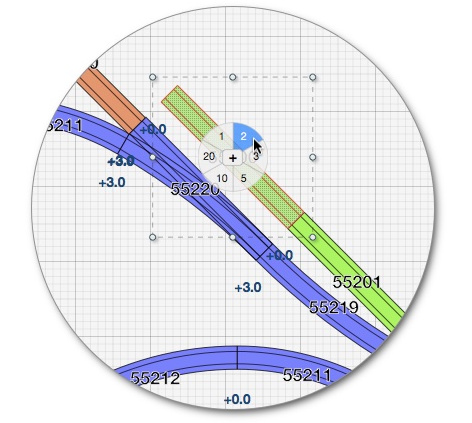
• Handy features right there in the layout where you need it like a "Repeat Append" function
• Advanced functionality for creating selections
• Clean-up assistant for complex layouts
• Assistant to auto-colorize layouts by element type, radius, article number, or layer
• Search for elements across the entire catalog of track libraries and the active layout
• Seamless integration with macOS Dark Mode
• Image import in various formats (PNG, JPEG, PSD, GIF, TIFF, PDF, and others)
• Export to JMRI's PanelPro app for controlling model trains (DCC)
• Export to several image formats in any desired scale
• Share to Twitter, Facebook, Mail, Messages, .. with just a few mouse clicks
• Customizable key bindings for menu commands
• Integrated user guide
• Free email support